


Infraggml-orgConfirmed
Story 8 of 12 in the Thursday 26 November editionggml-org and AMD launch llama.cpp benchmark dashboard for Radeon GPUs
Weekly Hugging Face explorer tracks PP512 and TG128 throughput across Radeon 8060S and AI Pro R9700S builds with public raw JSONL logs.

 Edited by Ashutosh Shrivastava
27 Nov 2026, 08:45 IST · 2 min read
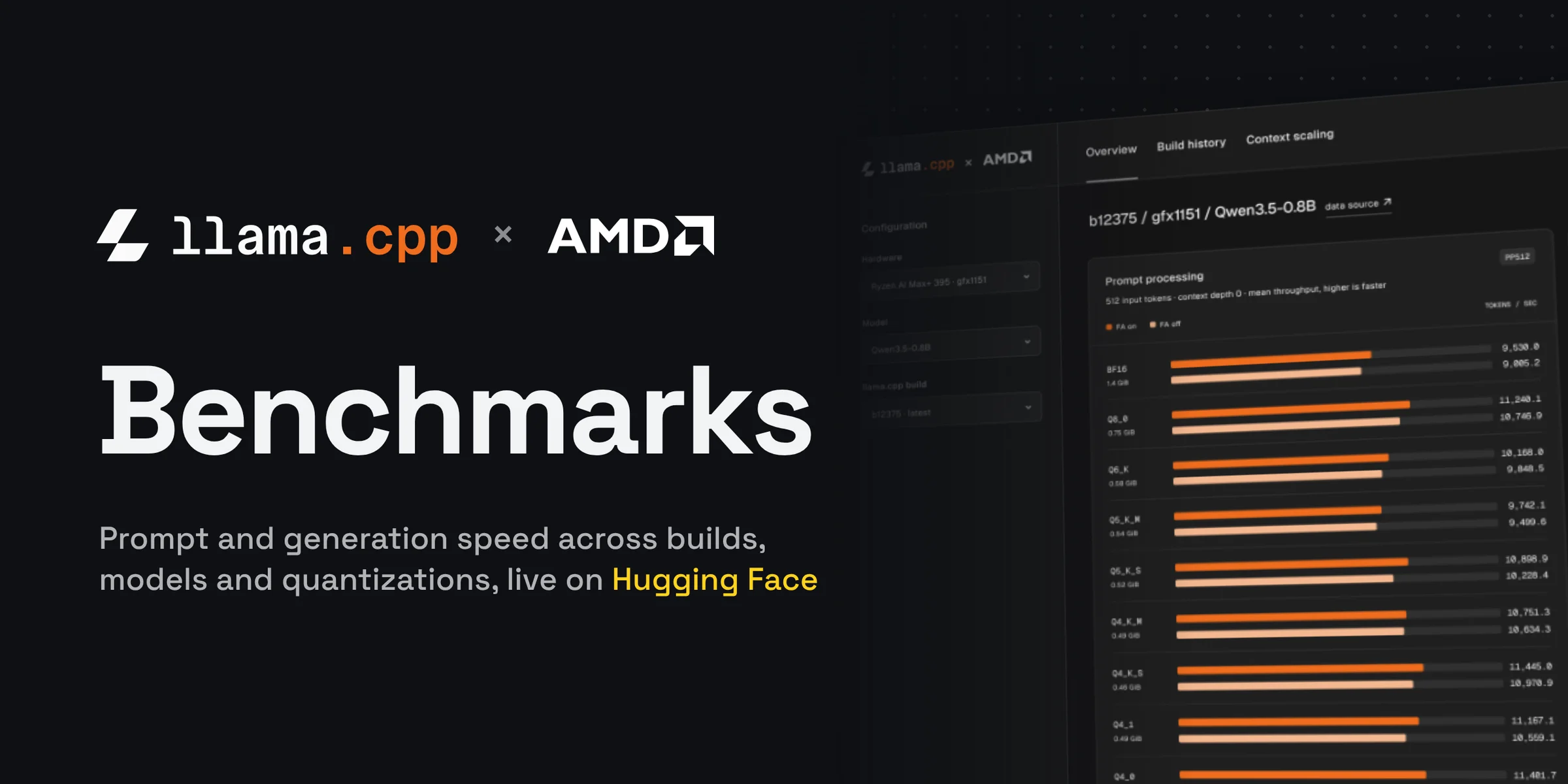
The llama.cpp maintainers at ggml-org, collaborating with AMD’s test infrastructure team, launched the public llama.cpp x AMD Benchmark dashboard on Hugging Face on 26 November 2026. The release follows ggml-org’s llama.cpp v1.0.0 stable C API and gives local-inference developers reproducible tracking across builds, models, and quantisation formats on AMD Ryzen and Radeon silicon.
Hardware coverage, llama-bench workflow, and public JSONL logs
Initial hardware targets cover the Radeon 8060S (gfx1151) and Radeon AI Pro R9700S (gfx1201). Public GitHub Actions workflows inside ggml-org/llama-install.sh benchmark prebuilt binaries distributed for llama.app every week using llama-bench with Flash Attention toggled both on and off across 10 repetitions per configuration.
The explorer splits telemetry into three tabs: Overview for comparing formats including Q4_K_M, Q8_0, F16, and BF16; Build history for catching kernel regressions across releases; and Context scaling for plotting generation speed as prompt depth grows. Both prompt processing (PP512) and text generation (TG128) report mean tokens per second across Inkling 2 Mini, Qwen, Gemma, gpt-oss, and LFM checkpoints, backed directly by raw JSONL files in the ggml-org/install.sh-benches-data Storage Bucket.
Technical details
- Supported AMD targets
- Radeon 8060S (gfx1151) and Radeon AI Pro R9700S (gfx1201)
- Benchmark workloads
- PP512 prompt processing and TG128 generation (n_depth=0, 10 repetitions, Flash Attention on/off)
- Models and GGUF formats
- Inkling 2 Mini, Qwen, Gemma, gpt-oss, and LFM across Q4_K_M, Q8_0, F16, and BF16
- Public data bucket
- ggml-org/install.sh-benches-data on Hugging Face using build/hardware/model/quant JSONL layout
Release details & context
Inspecting raw JSONL schemas and reproducing runs
Every chart inside the Hugging Face dashboard links directly to its underlying folder inside the ggml-org/install.sh-benches-data Storage Bucket. Standard PP512 and TG128 measurements follow the path structure build/hardware/model/quant.jsonl, while multi-depth context sweeps are written beside them as quant-tg.jsonl so developers can plot custom comparisons or diff against local llama-bench outputs.
Because the GitHub Actions workflows in ggml-org/llama-install.sh execute against the same prebuilt binaries shipped to llama.app users, kernel regressions or ROCm optimisations surface automatically on the Build history tab without manual reruns.
Common questions
Which AMD GPUs are tracked in the initial llama.cpp benchmark dashboard?
The launch release tracks weekly llama-bench results on the AMD Radeon 8060S (gfx1151) and Radeon AI Pro R9700S (gfx1201).
Where can developers download the raw llama.cpp AMD benchmark data?
All raw JSONL logs are hosted publicly in the ggml-org/install.sh-benches-data Storage Bucket on Hugging Face.
Sources
- Primaryggml-org Hugging Face Blog: llama.cpp benchmark dashboard for AMD Ryzen and Radeonhuggingface.co/blog
- OfficialHugging Face Storage Bucket: ggml-org/install.sh-benches-datahuggingface.co/buckets
- OfficialGitHub Repository: ggml-org/llama-install.shgithub.com/ggml-org
ggml-org release timeline (2 launches tracked)
- ggml-org releases llama.cpp v1.0.0 and ggml v1.0.0 with stable C APIs
ggml-org releases llama.cpp v1.0.0 and ggml v1.0.0 with semantic-versioned C API and ABI guarantees across desktop and mobile hardware backends.