


ProductSpaceXSIConfirmed
Story 7 of 13 in the Thursday 12 November editionSpaceXSI connects Grok Bot on Mac to seven native Apple apps
Grok Bot on macOS reads and acts directly across Apple Messages, Mail, Notes, Reminders, Calendar, Location and Contacts, extending SpaceXSI’s assistant onto local Mac workflows.

 Edited by Ashutosh Shrivastava
13 Nov 2026, 09:15 IST · 2 min read
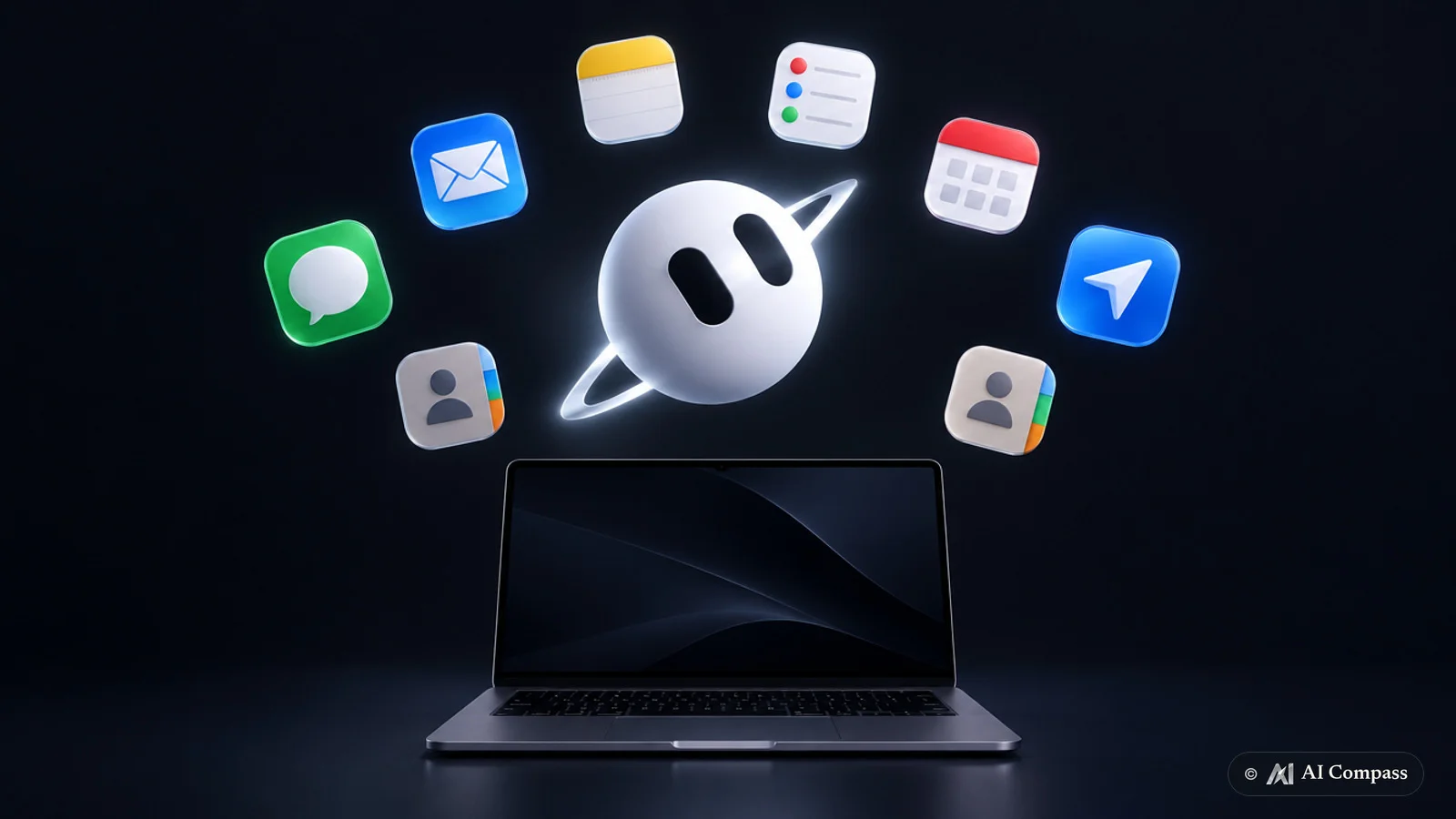
SpaceXSI expanded Grok Bot on Mac on 12 November 2026 with direct integrations across seven built-in Apple applications and system services: Messages, Mail, Notes, Reminders, Calendar, Location and Contacts. Announced via the product’s official @bot account on X, the macOS update arrives one day after SpaceXSI launched Grok Bot 1.0 collaborative AI teammates for Slack, Microsoft Teams and live workplace meetings.
Desktop personal-information hooks beyond October mobile actions
SpaceXSI previously brought native device actions to iOS and Android on 22 October 2026 with Grok Bot phone app integrations focused on Calendar, Reminders and Contacts. Extending those hooks onto macOS adds first-party Apple Messages, Mail, Notes and Location access on the desktop, allowing Mac users to coordinate schedules, inspect correspondence, capture notes and reference contact or location context from one assistant workspace without manually copying text between Apple apps.
Pairing local Apple personal-information access on macOS with shared Slack and Microsoft Teams channels bridges personal task management and enterprise chat inside the same Grok Bot product line. Consistent with its 11 November 1.0 rollout, SpaceXSI announced the macOS integrations solely on X and did not publish companion documentation specifying minimum macOS version requirements, per-app macOS TCC permission prompts, local versus cloud indexing boundaries, or subscription tier restrictions.
Key details
- Target desktop platform
- Grok Bot on Mac (announced 12 November 2026 via @bot on X)
- Connected Apple apps
- Messages, Mail, Notes, Reminders, Calendar, Location and Contacts
- Newly added over mobile
- Apple Messages, Mail, Notes and Location alongside Calendar, Reminders and Contacts
- Undisclosed specifications
- Minimum macOS release, TCC permission granularity, data-retention policy and plan gating
Release details & context
Rapid desktop-and-workplace cadence across the Grok Bot lineup
The 12 November 2026 Mac update marks the fourth Grok Bot functional expansion in three weeks, following live Grok Bot reports and dashboards on 21 October, iOS and Android phone app hooks on 22 October, and shared Grok Bot 1.0 workplace teammates on 11 November 2026.
Across SpaceXSI’s public API changelog on docs.x.ai, no developer endpoint or AppleScript/EventKit bridge specification accompanied the consumer @bot post, indicating the seven-app connector currently ships as a built-in macOS client capability rather than an external xAI API tool.
Sources
SpaceXSI release timeline (6 launches tracked)
- SpaceXSI’s Grok Voice 3.0 tops Artificial Analysis’s speech-to-speech index
SpaceXSI’s Grok Voice 3.0 ranks first on Artificial Analysis’s speech-to-speech index at 86.9, ahead of 83.2 for GPT-Live-1.
- SpaceXSI’s Grok Bot now builds live reports, memos and dashboards
SpaceXSI’s Grok Bot builds live reports, memos and dashboards that users can co-edit or keep updated.
- Grok Bot adds native phone app actions on iOS and Android
SpaceXSI launched phone app actions for Grok Bot on iOS and Android across Calendar, Reminders, Contacts and other native device apps.
- SpaceXSI launches Grok Bot 1.0 collaborative AI teammates for Slack and Microsoft Teams
SpaceXSI introduces Grok Bot 1.0 so organisations can share persistent AI teammates across Slack, Microsoft Teams and live meetings.